TSCM & Bug Sweeps
Most tapped phones are not wiretapped at all. Someone knows your Apple or Google login, has a spy app on the phone, or changed a setting on your line. So check your accounts first, then the apps and settings on the phone, then the call forwarding codes. Clicking and static on a call almost never mean a tap, and a real police wiretap leaves no trace on the phone at all.
What’s Inside
13 sections
Like what you read? Show me more from NYIA on Google, then pick us as a preferred source.
New York Intelligence Agency has worked cases in this city since 1989, and a phone and network check is part of every TSCM sweep we run. Below you will find which signs matter, which ones are myths, how to check an iPhone or Android tonight, and what to do before you delete anything.
Before You Check
- The most common phone spy uses your accounts, not a device. Check your logins first
- A spy app usually needs someone to hold your phone. Think about who has had it
- Clicks, static and echo on calls are almost always the network
- Codes like *#21# only show call forwarding. They cannot find spyware
- A court ordered wiretap runs at the carrier. You cannot see it on the phone
- If you find something, write it down before you reset. A reset wipes the evidence
Who Actually Taps a Phone Today
Most phone tapping guides list eleven signs and stop there. That skips the question that matters most. Who could be listening, and how did they get in? The answer tells you where to look.
| How it happens | What it needs | Can you see it on the phone? |
|---|---|---|
| Shared or stolen account login | Your Apple or Google password, or a device still signed in to your account. Messages, photos, location and backups can sync to it. | Yes. It shows up in your account's device list. |
| Stalkerware app | Usually a few minutes with your unlocked phone. The FTC lists unsupervised access to your phone as a warning sign. | Sometimes. Look for unknown apps, admin rights or a management profile. |
| Call forwarding on your line | Access to your phone or your carrier account. | Yes. The forwarding codes below show it. |
| SIM swap | A carrier fooled into moving your number to a new SIM. | Yes. Your phone suddenly loses service, and carriers must now alert you. |
| Court ordered wiretap | A judge's order, served on the carrier. | No. Nothing changes on the device. |
Notice the pattern. The first four leave marks you can find yourself. The last one leaves none, and it is also the rarest.
Court Ordered Wiretaps in the US
All wiretaps, 20143,554
All wiretaps, 20242,297
Federal judges, 20241,290
State judges, 20241,007
That is 2,297 approved wiretaps in 2024 for the whole country. If your phone is being watched, the person doing it is far more likely to be someone who knows you than a federal agent.
The Signs That Matter, and the Ones That Do Not
Every guide repeats the same list. Battery drain, heat, high data use, odd texts, a phone that will not shut down. Those can point to spyware. They also point to an old battery, a bad app or a weak signal. On their own they prove almost nothing.
Clicking and static are the biggest myth. Armour Cybersecurity calls them a holdover from old analog lines, per its guide to phone tapping. Modern calls are digital. A tap at the carrier makes no sound you can hear.
| What you notice | What it usually means | How much weight to give it |
|---|---|---|
| Someone knows things only your phone knows | Where you went, who you texted, what you searched. The FTC calls this a key sign. | Strong. Start checking now. |
| A device you do not know in your account | Someone is signed in as you. | Strong. This is proof, not a hint. |
| A profile under VPN and Device Management | The phone is managed by someone. Fine on a work phone. Not fine on yours. | Strong on a personal phone. |
| Orange or green dot with no app open | An app is using the mic or camera. | Medium. Find out which app. |
| No service, then a text about a SIM change | Your number may have been moved. | Urgent. Call your carrier from another phone. |
| Battery drain, heat, data spikes | Often an aging phone or a busy app. | Weak alone. Strong with the signs above. |
| Clicks, static, echo on calls | The network or a bad signal. | Very weak. |
Step One. Check Your Accounts First
This is where most phone spying lives, and it takes ten minutes. If you share a home with the person you are worried about, do these checks on a device they cannot reach. The FTC says to use a friend's phone or a pay as you go phone, per its stalkerware guide.
On an iPhone, run Safety Check. Go to Settings, then Privacy and Security, then Safety Check. It needs iOS 16 or later and an Apple Account with two factor sign in, per Apple's Safety Check guide. Manage Sharing and Access shows who you share with, which apps can see your data and which devices are signed in. Emergency Reset stops all sharing at once and lets you change your Apple Account password.
Apple puts a warning on that page, and we agree with it. Think about your safety before you cut someone off. A person who loses access may notice.
For a Google account, check Your devices. Go to myaccount.google.com, open Security and sign in, then tap Manage all devices under Your devices, per Google's account help. Sign out anything you do not know.
Then check the apps that sync. Messaging apps like WhatsApp keep a list of linked devices in their settings. A computer you do not own on that list can read your messages as they arrive.
Last, change your passwords from a safe device and turn on two factor sign in. Do not reuse an old password.
Step Two. Check an iPhone Itself
- Watch the dots. An orange dot means an app is using the microphone. A green dot means the camera, with or without the mic. Apple added them in iOS 14, per Apple's indicator page. A dot during a call is normal. A dot on the Home Screen with nothing open is worth a look.
- Look for a management profile. Go to Settings, then General, then VPN and Device Management. Apple says profiles can give an organization access to data or location, and if none appear there, none are installed, per Apple's profile guide.
- Scroll your full app list. Swipe to the App Library and read every name. Look for anything you do not know, including names that sound like a system tool.
- Update iOS. Updates close the holes that some spyware needs.
Step Three. Check an Android Phone
- Open the Privacy dashboard. Go to Settings, then Security and Privacy or Privacy, then Privacy dashboard. It shows which apps used the mic, camera and location, and when. Google says it covers the last 7 days on Android 13 and the last 24 hours on Android 12, per Android Help.
- Check device admin apps. Search Settings for device admin. Anything you did not set up that has admin rights is a red flag, because admin rights make an app hard to delete.
- Read the full app list. Go to Settings, then Apps, and show system apps too. Look for names you do not know.
- Ask if it is rooted. The FTC says a rooted or jailbroken phone can make stalkerware easier to install. If you never rooted it and it is rooted now, someone else did.
Step Four. Dial the Codes, but Know What They Show
Every video on this topic tells you to dial *#21#. The codes do one job. They show whether your calls are being forwarded somewhere else. That is all. They do not find spyware and cannot prove a tap, per Armour Cybersecurity. Some carriers limit them.
| Code | What it shows |
|---|---|
| *#21# | Whether all calls are being forwarded |
| *#62# | Where calls go when your phone is off or out of reach |
| *#67# | Where calls go when your line is busy |
| *#61# | Where calls go when you do not answer |
| ##002# | Turns off all call forwarding |
A forwarding number to your own voicemail is normal. A forwarding number you do not know is not. Write it down and take a screenshot before you run ##002#.
Watch for a SIM swap too. If your phone shows no service out of nowhere and you get a text or email about a SIM change, call your carrier from another phone right away. Under FCC rules adopted in November 2023, carriers must verify you before moving your number and alert you when someone asks, per Benton Institute's summary of the FCC order. That alert is your warning. Do not ignore it.
Is My Phone Tapped by the Police?
Probably not, and if it were, you could not tell. A court ordered wiretap is set up at the carrier. Nothing gets installed on your phone, and no app or code will show it.
The numbers are public. Judges approved 2,297 wiretaps across the US in 2024, 1,290 federal and 1,007 state, per the US Courts Wiretap Report. Drug cases made up 49 percent of applications. An original order is limited to 30 days unless a judge extends it.
New York does use them. The same report says six states, New York among them, made 80 percent of all state wiretap applications. The longest state wiretap that ended in 2024 ran 683 days in Queens, in a narcotics case. If you think you are the target of a criminal case, the person to call is a criminal defense lawyer, not an app store.
Found Something? Do This Before You Delete It
This is where the big security sites lead people astray. Avast and Malwarebytes both list a factory reset as a cure. A reset does remove most spy apps. It also wipes the proof, and it can tell the person watching you that you know.
- Think about safety first. The FTC says to talk to a domestic violence advocate before you remove stalkerware, because an abuser may escalate when they lose access. The Safety Net Project at the National Network to End Domestic Violence says the same thing in its stalkerware guide.
- Use a safe phone. Make calls about this from a phone the other person cannot reach.
- Document it. Take screenshots of the app, the profile, the unknown device or the forwarding number. Write down dates, times and what the other person seemed to know. The FTC says to document before you change or reset the phone.
- Get help. The National Domestic Violence Hotline is 1-800-799-7233, or text START to 88788, per the FTC. In New York, the state hotline is 800-942-6906, or text 844-997-2121, per the NYS Office for the Prevention of Domestic Violence. If you are in danger right now, call 911.
- Then clean it up. The FTC says a full factory reset may remove stalkerware, but do not restore apps from your old backup, because that can bring it back. Download your apps fresh. The safest option may be a new phone on an account the other person cannot reach.
Is Phone Spying Illegal in New York?
Yes, in most cases. Eavesdropping is a class E felony under Penal Law 250.05. It covers three things, all defined in Penal Law 250.00.
- Wiretapping. Listening to or recording a phone call you are not on, without the consent of either person on the call.
- Mechanical overhearing. Recording a conversation you are not present for, without the consent of at least one person in it.
- Intercepting electronic communications. Grabbing someone's texts, emails or messages without the consent of the sender or the person they were sent to.
That last one is what most spy apps do. Who owns the phone and who pays the bill can matter, so talk to a lawyer about your own case. A licensed investigator will never put monitoring software on a phone the client has no right to. We explain the limits in how private investigators legally collect evidence in New York.
When a Professional Check Makes Sense
Call a pro when you have run every check above, the phone looks clean, and someone still knows things they should not. That usually means the leak is somewhere else. It could be a bug in the room, a tracker on the car or an account you forgot. It also makes sense in a divorce, a custody fight or a business dispute, where you need a written record a lawyer can use.
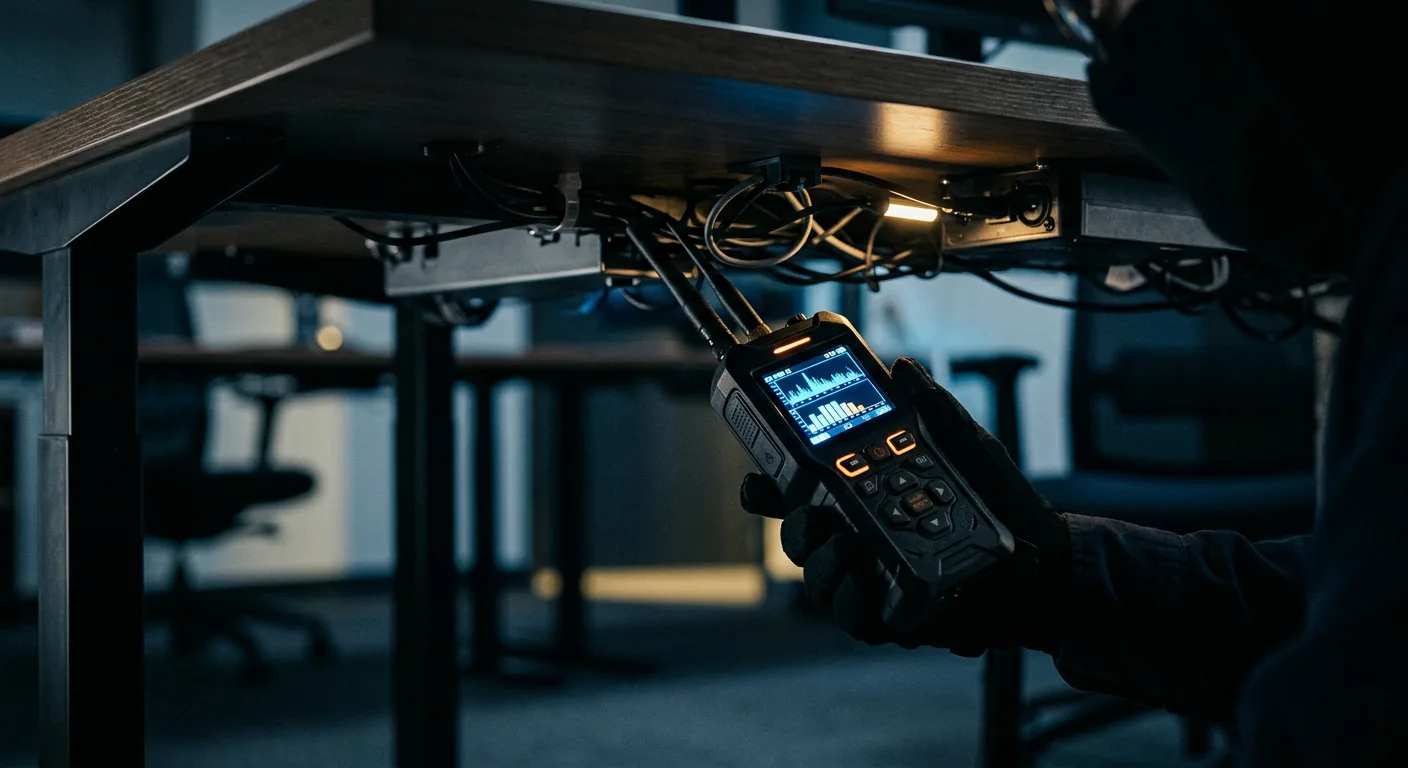
An NYIA TSCM sweep covers radio frequency, physical, and telephone or network inspection of the space. A full sweep of a home, office or car is a flat $1,400, with a written report of what was checked and what was found. See our TSCM and bug sweep service, or start with our guides to finding hidden cameras and listening devices and finding a GPS tracker on your car.
If the phone and the room are both clean and you still feel watched, read signs you are being watched or eavesdropped on.
Things to Settle
Does *#21# tell you if your phone is tapped?
No. *#21# only shows whether your calls are being forwarded to another number. It cannot find spyware, a shared account or a police wiretap. A forwarding number you do not know is worth a screenshot and a call to your carrier.
Can someone tap my phone without touching it?
Yes, if they know your Apple or Google password, because messages, photos and location can sync to their device. They can also try a SIM swap through your carrier. Most spy apps need hands on access, which is why the FTC lists unsupervised access to your phone as a warning sign.
Is my phone tapped by the police?
Probably not. Judges approved 2,297 wiretaps across the US in 2024, and they run at the carrier, so nothing shows on your phone. No app or code can detect one. If you think you are under investigation, talk to a criminal defense lawyer.
Can you tell if someone is connected to your phone?
Often, yes. On an iPhone, Safety Check in Settings shows the devices signed in to your Apple Account. For Google, open Manage all devices in your Google Account. Messaging apps like WhatsApp have their own linked devices list.
Can I check if my phone is being monitored?
Yes. Check your account devices, look for unknown apps and admin rights, check for a management profile on an iPhone, review the Android Privacy dashboard, and dial *#21# for call forwarding. If all of that is clean and the signs keep coming, get a professional sweep.
Should I factory reset my phone if I think it has spyware?
Not first. Take screenshots and write down what you found, then make a safety plan, since removing it can alert the person watching you. After that, a full reset may remove it. Do not restore apps from the old backup.
How much does a bug sweep cost in New York?
NYIA charges a flat $1,400 for a full TSCM sweep of a home, office or car in New York. It includes radio frequency, physical, and telephone or network inspection, with a written report of what was found.
Talk It Through With David
You do not have to decide anything on the first call. Tell us what you have noticed, and we will tell you plainly whether a sweep makes sense. Call David at (646) 461-4650 any hour, or text (646) 465-2006. If you think your phone is being watched, call from a different phone. You can also contact us online.
Background Reading
Every fact above comes from one of these pages. Check any of them yourself.
- US Courts, Wiretap Report 2024. How many wiretaps judges approved, how long they run, and where.
- FTC, Stalkerware. What To Know. Signs of stalkerware, safety steps and reset advice.
- NNEDV Safety Net Project, Stalkerware. Safety planning before you remove a spy app.
- Apple, Safety Check for iOS 16 or later. Reviewing devices, apps and people with access.
- Apple, the orange and green indicators. What the mic and camera dots mean.
- Apple, configuration profiles. Finding device management on an iPhone.
- Google Account Help, devices with account access. Seeing and signing out devices.
- Android Help, Privacy dashboard. Which apps used the mic, camera and location.
- Armour Cybersecurity, phone tapping guide. What the forwarding codes do and do not show.
- Benton Institute, FCC SIM swap rules. Carrier checks and alerts for SIM changes.
- New York Penal Law 250.05, eavesdropping. A class E felony.
- New York Penal Law 250.00, definitions. Wiretapping, overhearing and intercepting messages.
- NYS Office for the Prevention of Domestic Violence. The New York State hotline.
Top photo of an iPhone in hand by Dennis Cortés, CC0.

David J. Schassler
Emmy® Award Winning Private Investigator · NYS DOS License #11000169770
David founded New York Intelligence Agency in 1989 and has personally directed every major case since. His investigative work earned a New York Emmy® Award. More posts by David →
Got it. We will be in touch.
Somebody reads this personally. If it is urgent, call (646) 461-4650 any hour.
Free, Confidential Consultation
When you need answers,